The Complete Guide to Real-Time Caption Translation for Talks, Meetings & Live Streams
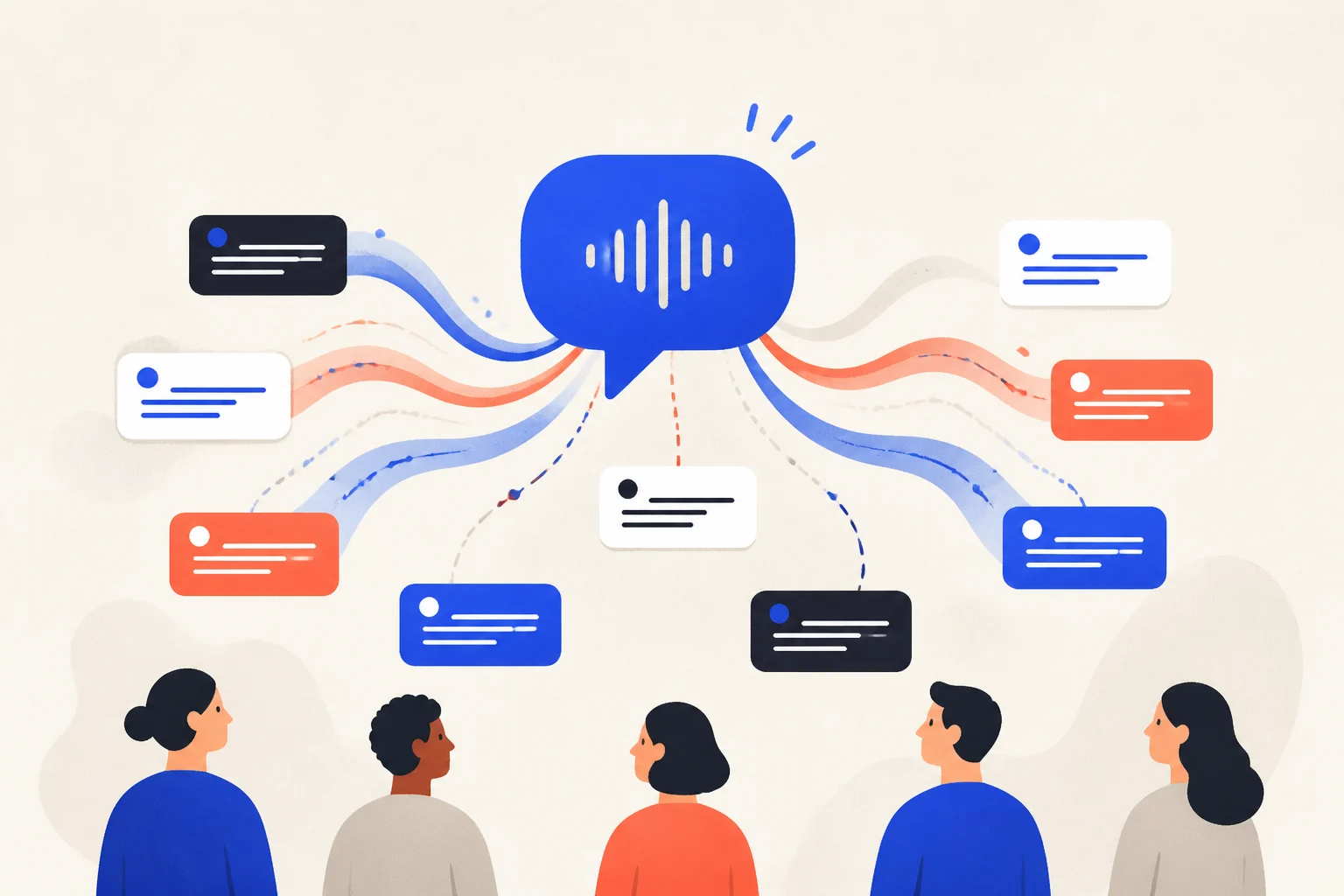
The moment one person in the room speaks a different first language than the speaker, the message starts leaking. Professional simultaneous interpreting offers the highest assurance, but pricing varies with the language pair, duration, team, venue, and equipment and usually requires advance planning. Real-time caption translation offers a more predictable browser-based option — here is what it is, how the approaches compare, what it costs, and how to start.
What is real-time caption translation?
Real-time caption translation turns what is being said into text and translates it into the listener’s language, shown as captions on the spot. The original appears within about a second and the translation follows, so people read along in their own language as they listen.
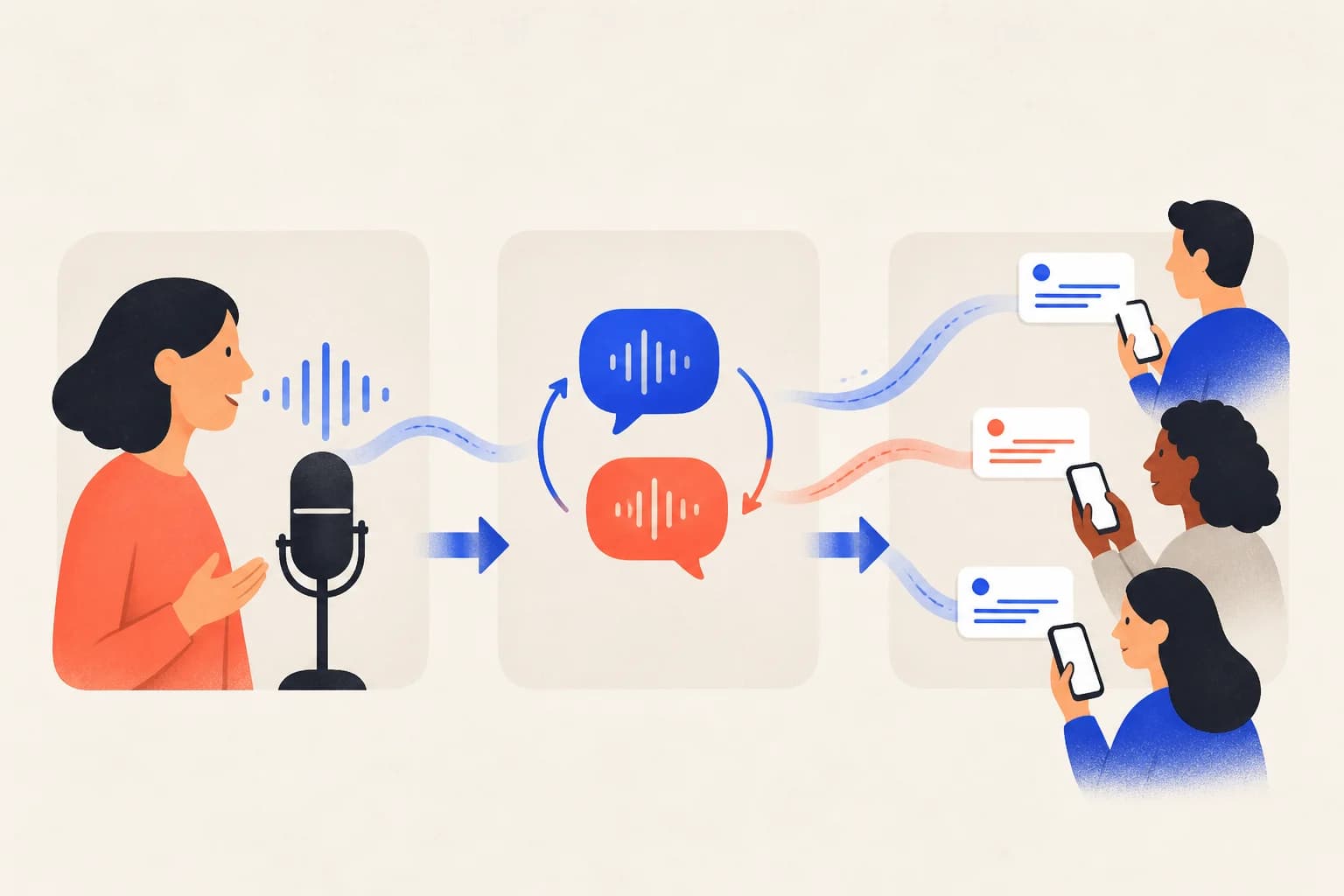
It combines two steps: speech recognition (audio to text) and machine translation (text to another language). Tools like Avoce run in the browser; the audio source can be a microphone (in-person) or a browser tab’s audio (online meetings, YouTube, live streams).
Which of the three approaches should you choose?
There are three main ways to get multilingual captions at an event: hire a professional interpreter, use a platform’s built-in auto-captions, or use a real-time translation tool. They differ in cost, flexibility, and fit:
| Approach | Cost | Flexibility / accuracy | Best for |
|---|---|---|---|
| Professional interpreter | Quoted by language, duration, team, and equipment | Highest, but must be booked and language-bound | High-stakes formal events, summits |
| Built-in auto-captions (Meet, YouTube) | Free, but limited languages/context | Medium, tied to one platform, hard to customize | One-off, informal, single-platform use |
| Real-time tool (e.g. Avoce) | Pay-as-you-go, 1 point = 1 minute | High — cross-platform, custom glossary, QR for the audience | Talks, meetings, streams, tours, churches |
How do you start? Three steps
- Open your microphone (in-person) or share a browser tab’s audio (meetings, videos, streams).
- Pick the source and target languages — the source can also be auto-detected.
- Captions appear in real time. In person, show a QR so the audience reads captions in their own language on their phones.
What does real-time caption translation cost?
Avoce is pay-as-you-go with no subscription: 1 point = 1 minute of live translation, or 4 minutes of transcript-only mode. Plans start at US$4.99 (60 points); the most popular is US$10.99 (180 points), and purchased points never expire. New accounts get a 20-minute free trial, valid for 7 days, after email verification.
For comparison, a three-hour event in transcript-only mode uses about 45 points, fitting within the US$4.99 60-point pack. Professional interpreting requires a separate quote and provides a different level of service and risk coverage, so price should not be the only deciding factor.
Where does it fit?
- Talks and conferences: keep international and hard-of-hearing listeners with you.
- Multilingual meetings: online or in person, share tab audio with no cables.
- Live streams and video: bilingual captions on YouTube and streaming content.
- Tours and exhibitions: international visitors follow the guide in their own language.
- Accessibility: live captions let deaf and non-native listeners take part.
How do you make captions more accurate?
- Clean audio matters most: a close mic and low background noise make recognition accurate.
- Pick the right engine: direct speech-to-translation has the lowest latency; two-stage (transcribe, then translate) is steadier when there is heavy jargon.
- Use a custom glossary: pin speaker names, product names, and terms so both recognition and translation lock the wording.
- Afterwards, export the transcript as plain text, Markdown, or an SRT subtitle file for notes or video editing.
Want to see it move? Say one sentence into your mic and watch the translation appear — new accounts get a 20-minute free trial, no credit card.