How to Make Events Deaf-Friendly: A Live-Caption Accessibility Checklist
By|Avoce·August 5, 2026
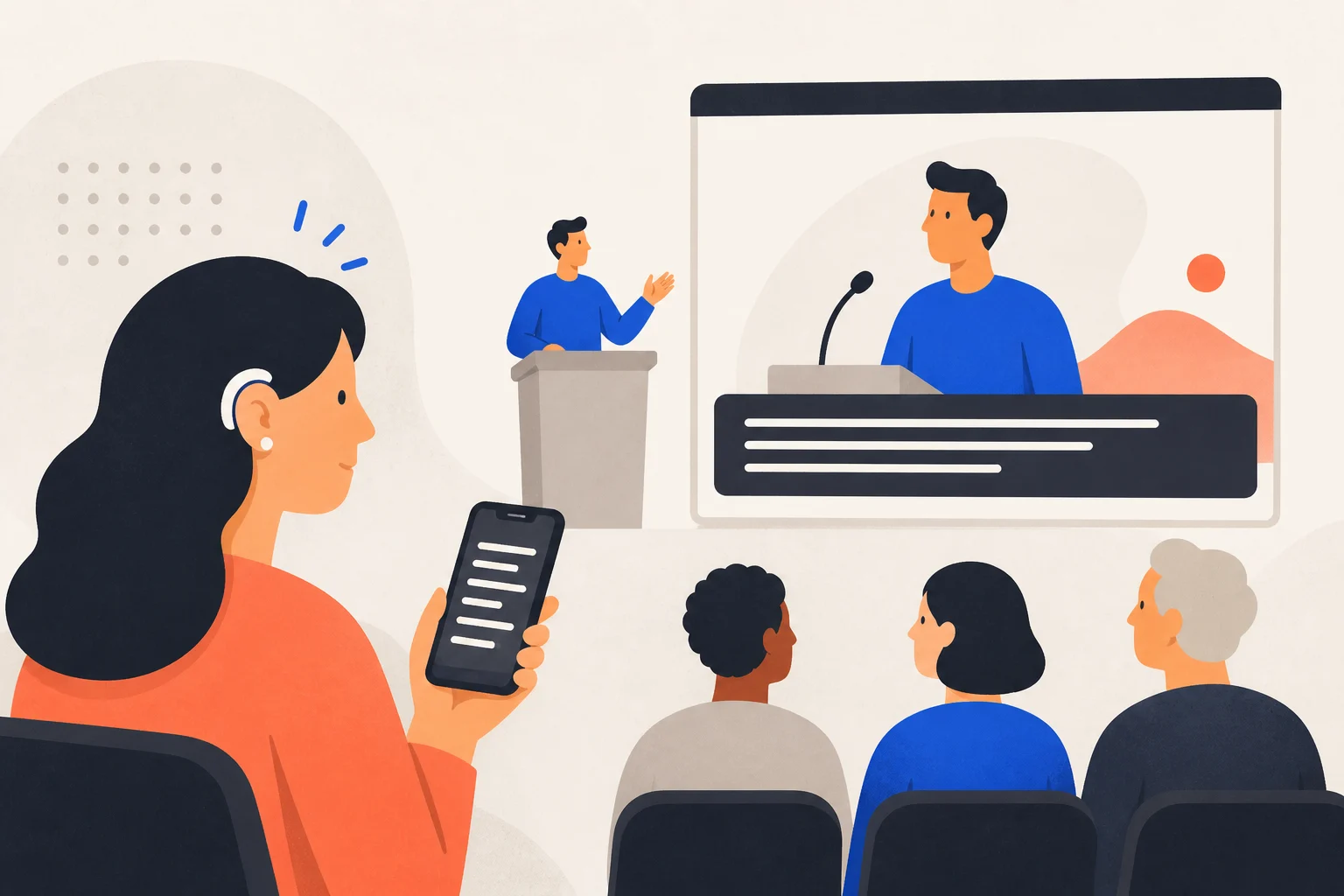
Accessibility means equal information from check-in through the Q&A, not a sentence on the registration page. Live captions are a practical starting point for speech-led events.
Why provide live captions?
They help deaf and hard-of-hearing people, anyone with temporary hearing difficulty, and people unfamiliar with a speaker’s accent. W3C WCAG identifies captions for live synchronized media as an important accessibility criterion.
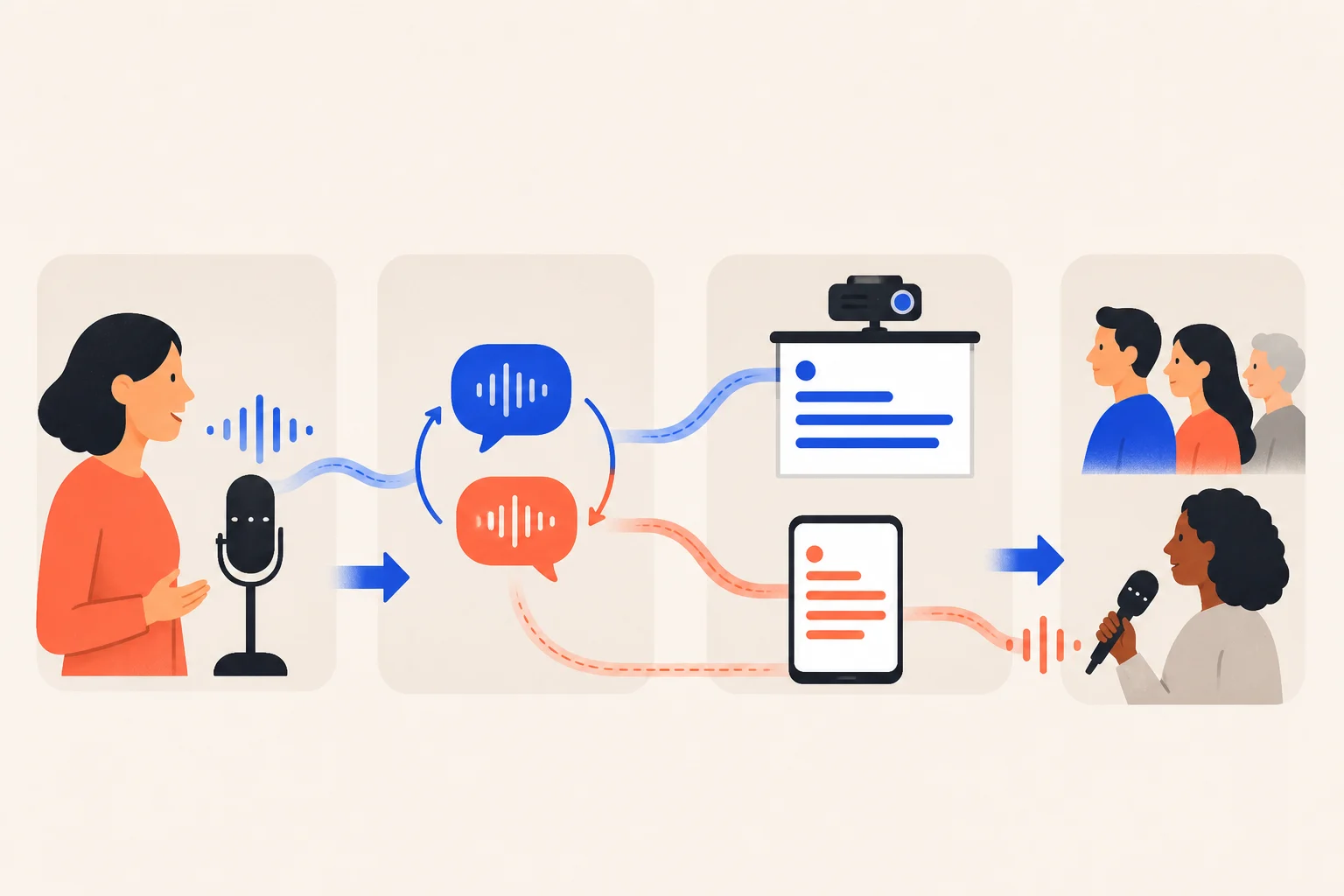
Seven organizer actions
- Ask about caption, sign-language, and seating needs at registration.
- Use the speaker’s mixer feed instead of room audio.
- Use large, high-contrast text without covering key slides.
- Offer both a venue screen and QR captions on phones.
- Require a microphone for audience questions.
- Test the real venue, equipment, and network.
- Add human summaries, sign-language interpretation, or other support according to risk and user needs.
Accessibility captions versus translation
| Need | Mode | Focus |
|---|---|---|
| Deaf access in the same language | Transcript only | Original language, low delay, lower usage |
| Understanding another language | Live translation | Original and translation; verify terminology |
| High-risk formal event | Human captioning/interpreting plus tools | Human oversight |
Screen or phone?
Use both. A screen makes the service visible; phone captions let viewers choose distance and language. Avoce QR pages need no app.