How to Use a Live-Translation Glossary for Accurate Names, Brands, and Terms
By|Avoce·August 1, 2026

The hardest words are often names, brands, places, acronyms, and specialist terms the system has not seen. A glossary identifies what matters and how it should appear.
What is a glossary?
It is a focused set of hints for one event, not a complete dictionary. Include terms that are easy to mishear, should not be translated literally, or must keep a fixed spelling.
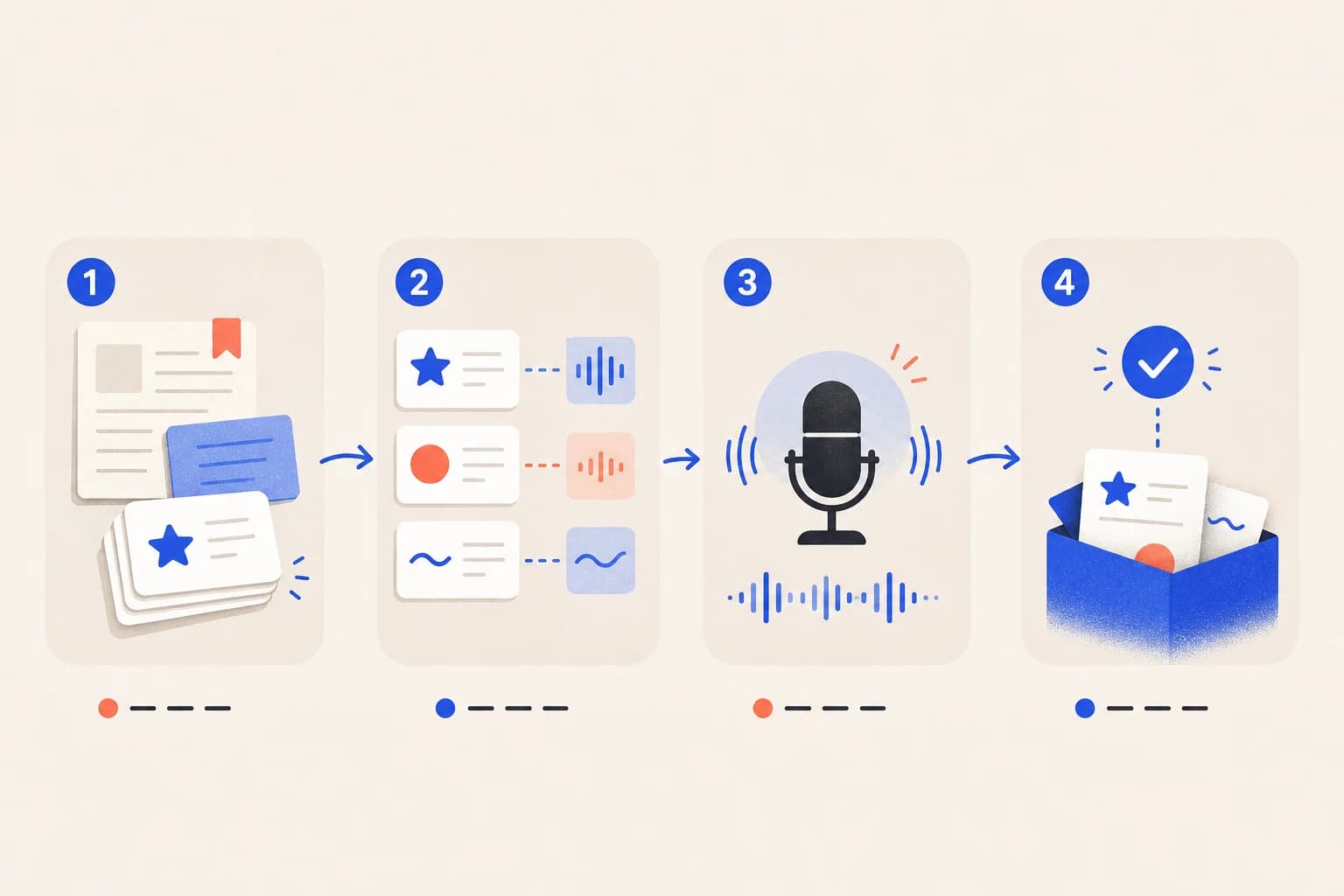
What belongs in it?
- Official speaker, company, product, event, and place names.
- Acronyms, project codes, and names that resemble ordinary words.
- Medical, engineering, religious, legal, or academic terminology.
- Brand terms that remain in the source language.
- Concepts with several translations that need one approved form.
Write useful entries
| Weak entry | Better hint | Why |
|---|---|---|
| Avoce | Avoce (brand; keep in English) | States role and treatment |
| ASR | ASR = automatic speech recognition | Connects acronym and full form |
| Wang Hsiao-Ming | Speaker: Wang Hsiao-Ming | Adds context for a name |
Is more always better?
No. A whole slide deck or hundreds of unrelated words dilute important hints. Start with 10–30 high-risk terms and refine after testing them in full sentences.
What can a glossary not fix?
It cannot repair severe echo, distant audio, overlapping speech, or network failure, and it cannot guarantee zero errors in high-risk content.