How to Export Transcripts and SRT Subtitles for Notes and Video
By|Avoce·July 31, 2026

Live captions remain useful after the event. Export a session for meeting minutes, a talk summary, or video subtitles instead of recreating the content.
TXT, Markdown, or SRT?
| Format | Contains | Best for |
|---|---|---|
| TXT | Plain transcript text | Reading and transferring to other tools |
| Markdown | Title, date, language, and paragraph structure | Meeting notes and knowledge bases |
| SRT | Numbered captions with start and end times | Video editors, YouTube, subtitle tracks |
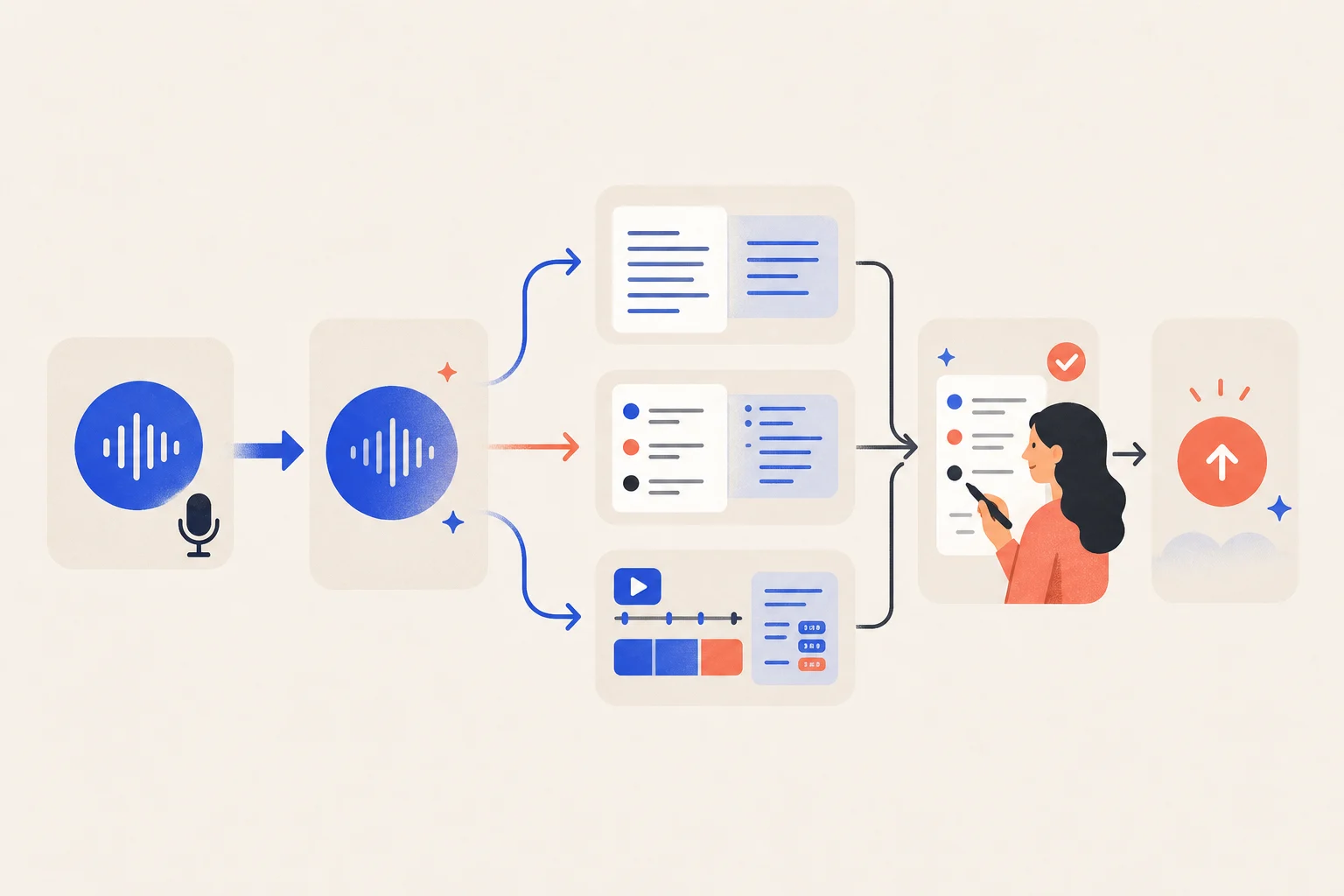
Export workflow
- Stop the session and confirm it is saved.
- Name it with date, event, and language.
- Choose TXT, Markdown, or SRT for the destination.
- Keep the original and edit a separate review copy.
- Correct names, numbers, and specialist terms before publishing.
What is inside an SRT?
Each plain-text block contains a sequence number, start and end timecodes, and caption text. YouTube supports basic UTF-8 SubRip .srt files. The format is simple to read, edit, and exchange.
Review before publishing
- Names, companies, numbers, URLs, and terminology.
- Lines that are too long for their screen time.
- Breaks that split words or unnatural phrases.
- Speaker labels in conversations.
- Useful descriptions of music, applause, or important sounds.
Is a transcript the same as meeting minutes?
Usually not. A transcript keeps repetitions and incomplete speech. Formal minutes should extract decisions, owners, deadlines, and action items while retaining the original for reference.