How to Turn On Live-Translated Captions for YouTube and Foreign Streams
By|Avoce·July 16, 2026
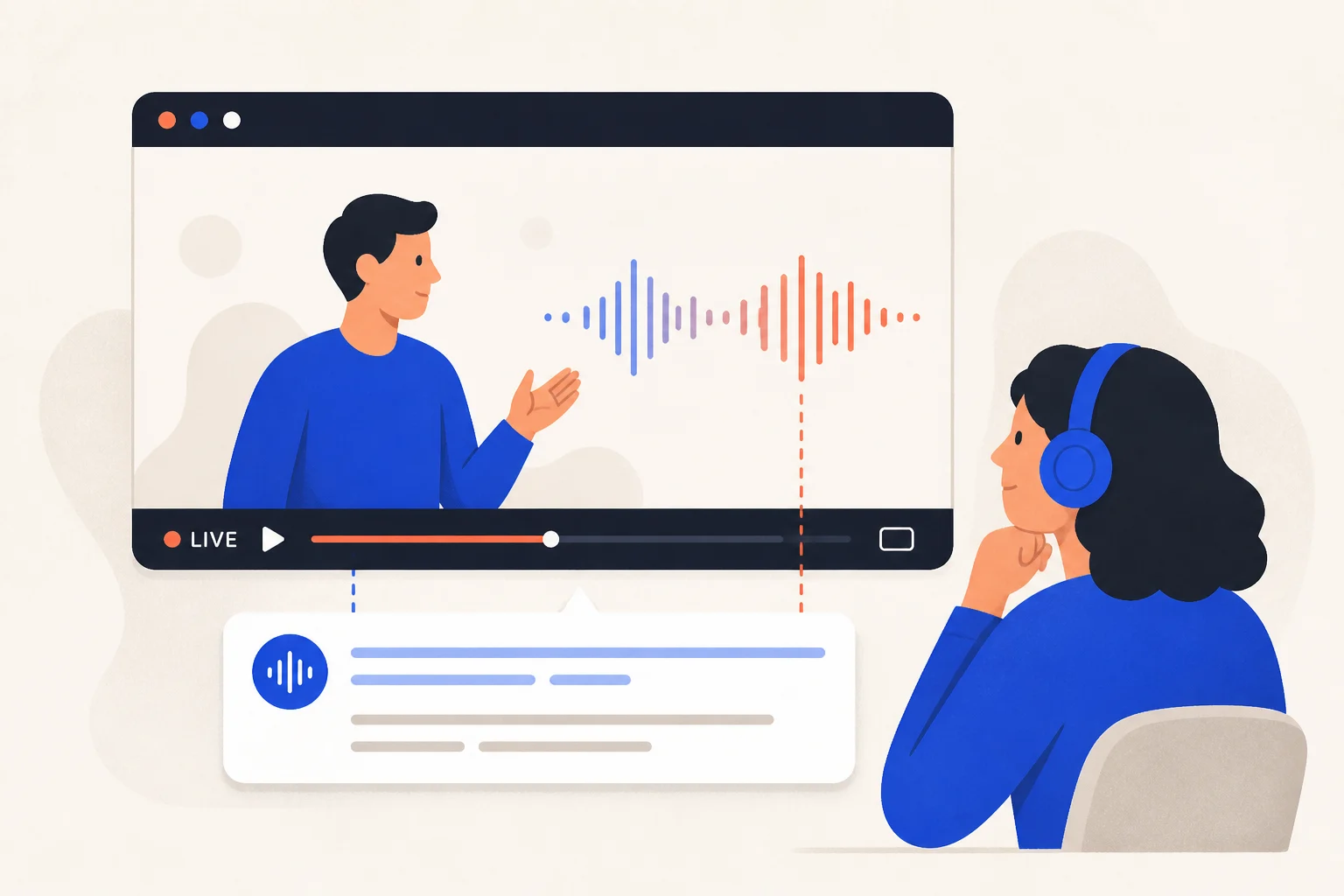
YouTube captions do not always include your language, and live streams may have no captions at all. Tab-audio capture can transcribe and translate anything audible in the browser.
Where do built-in captions fall short?
Only some videos have caption tracks, translation languages are limited, and many streams provide none. Tab capture works from the audio itself instead of depending on an existing track.

How to translate a video or stream
- Install the Avoce Chrome extension.
- Sign in once at avoce.ai.
- Open the video or stream and choose the Avoce toolbar icon.
- Select source and target languages and start tab translation.
- Move the bilingual overlay while the original audio keeps playing.
Does live video work differently?
No. Both recorded and live video are translated from the sound currently playing in the tab.
Usage and limitations
- Translation uses 1 point per minute; transcript-only mode lasts four times longer.
- Use the browser version, not a separate desktop app.
- DRM-protected services may block audio capture.
- Clear speech works better than loud music or noise.
- The extension adds private captions; it does not download or redistribute video.
YouTube platform guide (no caption track needed) →Install the extension →Online meeting guide →Complete caption guide →
Install before the next foreign stream and test one short clip with the 20-minute trial.