How to Set Up Multilingual Live Captions for Churches
By|Avoce·July 12, 2026
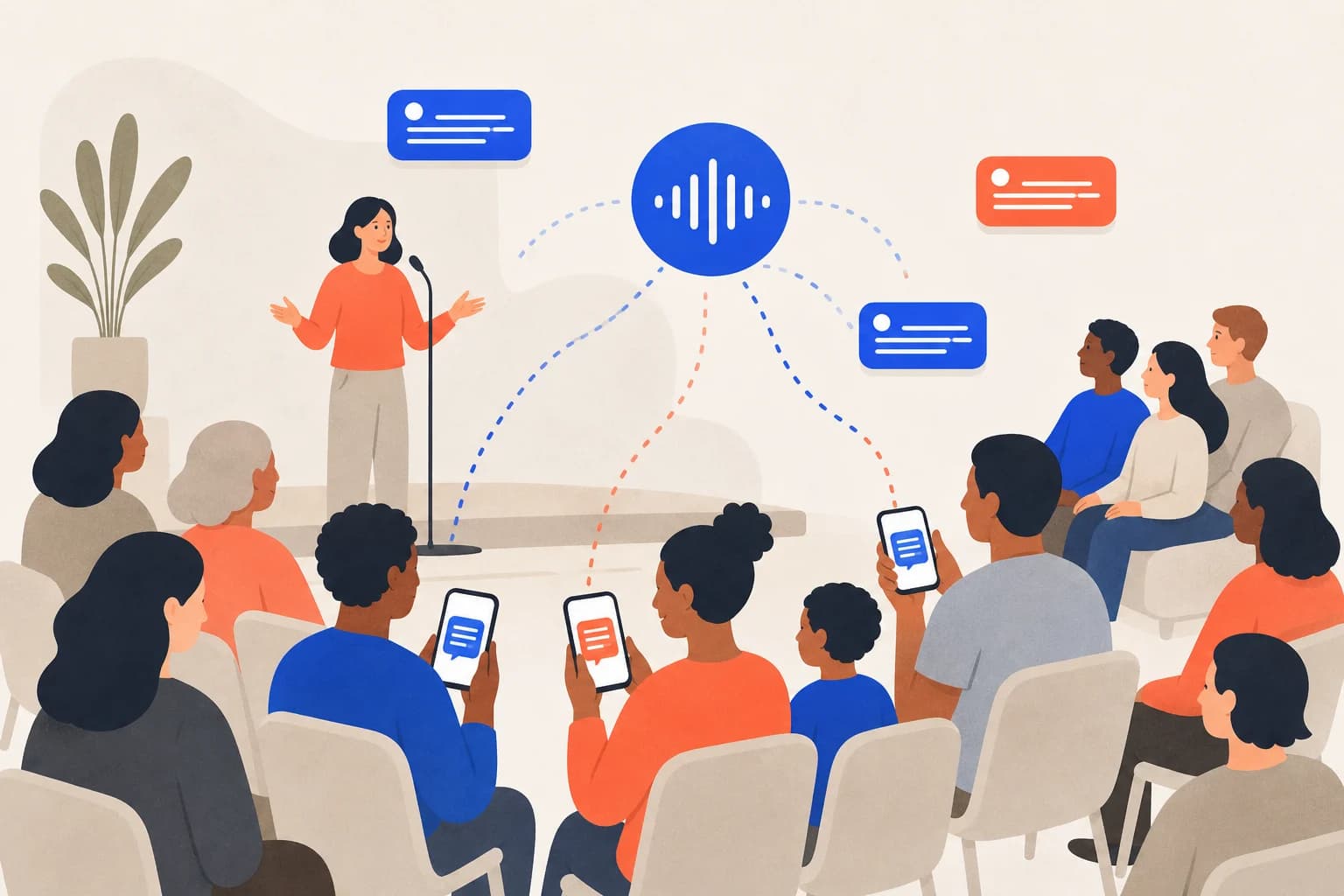
A multilingual congregation may be physically present yet unable to follow a one-language sermon. Live translation can make weekly services accessible at predictable cost.
Why are churches a good fit?
- The same setup is reused every week.
- One QR can serve several congregation languages.
- It costs less than staffing an interpreter every week.
- Same-language transcription also helps deaf and older members.
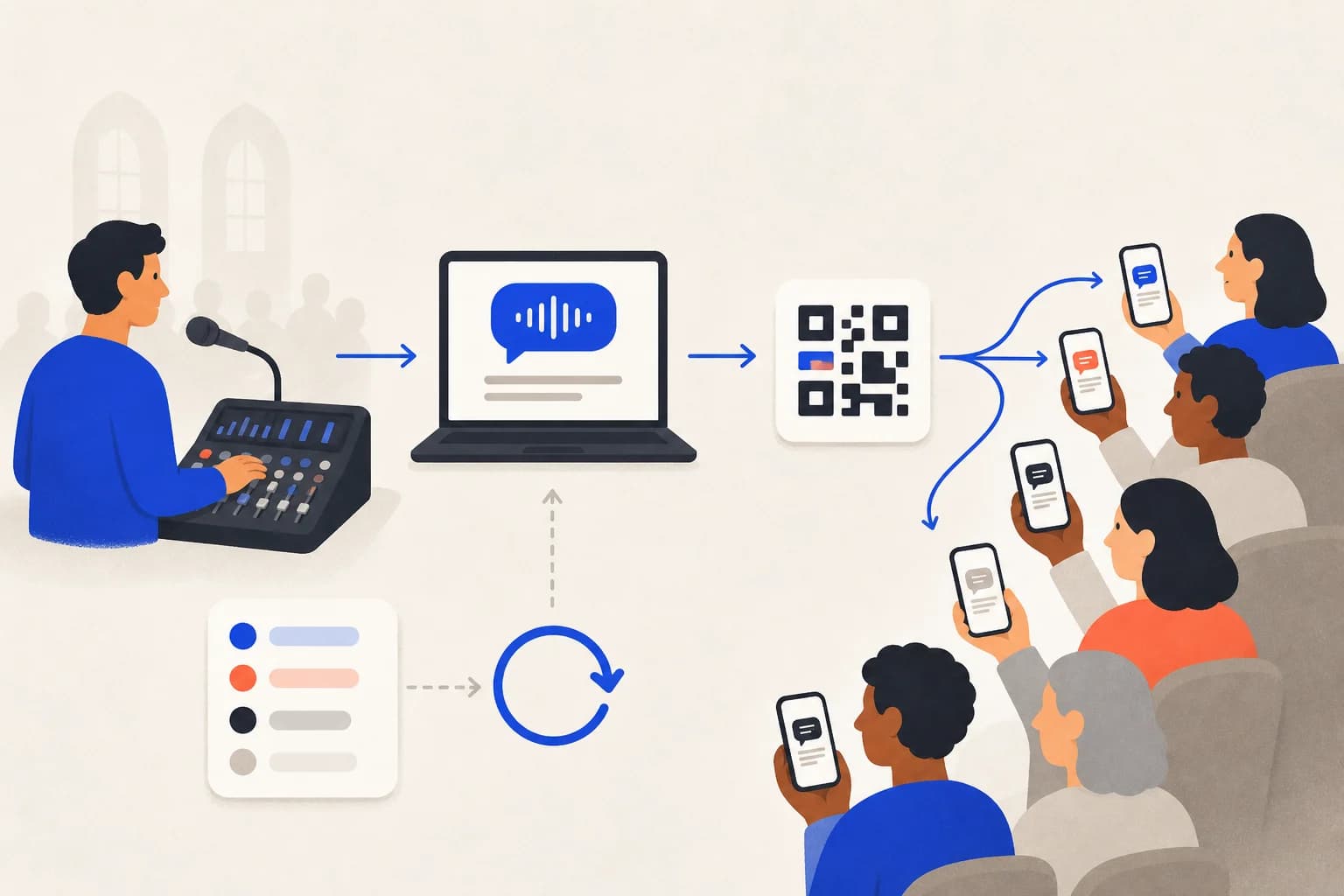
A three-step church setup
- Take a clean feed from the mixer or wireless speaker mic.
- Place one QR on the screen or bulletin so each person chooses a language.
- Add Bible names, places, song titles, and recurring terms to a glossary.
What does one service cost?
A 90-minute translated service uses about 90 points. The US$10.99 180-point pack covers roughly two. Same-language transcription lasts four times longer.
Practical reminders
- Test audio, QR, and captions before the service.
- Keep a hotspot ready.
- Reuse and refine a church glossary.
- Export the transcript for sermon notes after review.